What the Burning Bridges AI video trend is
The Burning Bridges trend borrows one scene from the official music video for “Burning Bridges”, a song on Drake’s 2026 album Iceman. Around the 2:37 mark the video cuts to a private dinner party: a crowded room with dark wood panelling, warm crystal chandeliers, tables of glasses and a group of friends behind the host. The camera is handheld and close. The host holds a silver cup, gestures at the lens, turns toward his friends and waves while the room raises their hands.
A Burning Bridges AI video recreates that moment with someone else in the lead. You upload one photo — of yourself, a friend who agreed, a pet or an original character — and an AI video generator builds a new clip in which that person stands in the party room and performs the same short sequence of gestures. Creators have dropped TV characters, athletes, cartoon figures and their own dogs into the scene, which is a big part of the fun.
Most versions follow the same recipe: an indoor party under chandeliers, a close handheld shot, a raised cup, a point or wave at the camera and a reaction from the crowd. The clip is short, usually around 10 seconds per generated shot, and the song is added afterwards in the app where it gets posted.
How to make a Burning Bridges AI video
You do not need editing skills. You need one good photo, a generator that supports image-to-video with a character reference, and a few minutes to review the result. These are the tools we suggest, each for a different route:
- Dreamina — CapCut’s AI video generator has a dedicated Burning Bridges page with ready prompts for the party scene. It runs on ByteDance’s Seedance video models, the same model family we used in our own test generations. Best if you want the trend look with the least setup.
- Kling AI — a general AI video generator with image-to-video, multi-image references and motion control. Choose it when you want to change the scene, use several photos of the same person, or drive the gestures from a clip you film yourself.
- CapCut — not a generator for this scene, but the easiest place to trim your clip, join two generations, add captions and line the gestures up with the music before you post.
Whichever burning bridges generator you pick, the workflow is the same:
- Pick the photo. Front or three-quarter view, face and upper body visible, good light, no sunglasses. One clear person per photo.
- Describe the scene, not the song. A prompt that works well: “Use the reference photo only for the lead’s appearance. A crowded private dining room at night with dark wood panels, glowing crystal chandeliers and warm amber light. The lead stands close to the camera holding a silver metal cup, friends behind them. One continuous handheld shot with a slow push-in. The lead gestures at the camera, turns to smile at a friend, then looks back and waves as the friends raise their hands. No cuts, no text.”
- Set the format. Choose 10 seconds and 9:16 for TikTok, Reels and Shorts, or 16:9 if you want it to match the original video. Start at a lower resolution while you test, then regenerate the version you like at higher quality.
- Check the result. Look at the first frame (it should already be indoors), the face, the hands and the cup — extra fingers and duplicated cups are the most common errors — and make sure the camera does not cut away.
- Add the music and post. Use the platform’s own sound library for the song and time the camera gesture to the beat.
What we saw in our own tests. We ran test generations with Seedance 2.0 Fast using a single character-reference photo and a prompt like the one above. Asking for the indoor room “from the very first frame” fixed an earlier problem where the clip opened on the photo’s original street background and then jumped inside. The chandeliers, mirror, tables, friends and silver cup all appeared, and the hairstyle, skin tone and clothing carried over, but the facial expression did not match the photo exactly. The output size also came back slightly off the requested 16:9 ratio, so do not treat a resolution setting as a pixel-exact promise.
The three color looks
The original video is lit in warm amber. Changing the color grade is the simplest way to make your Burning Bridges AI video stand out while keeping the scene recognisable. Add one of these lines to the scene part of your prompt. The images below are our concept art for each look, not generated sample videos.
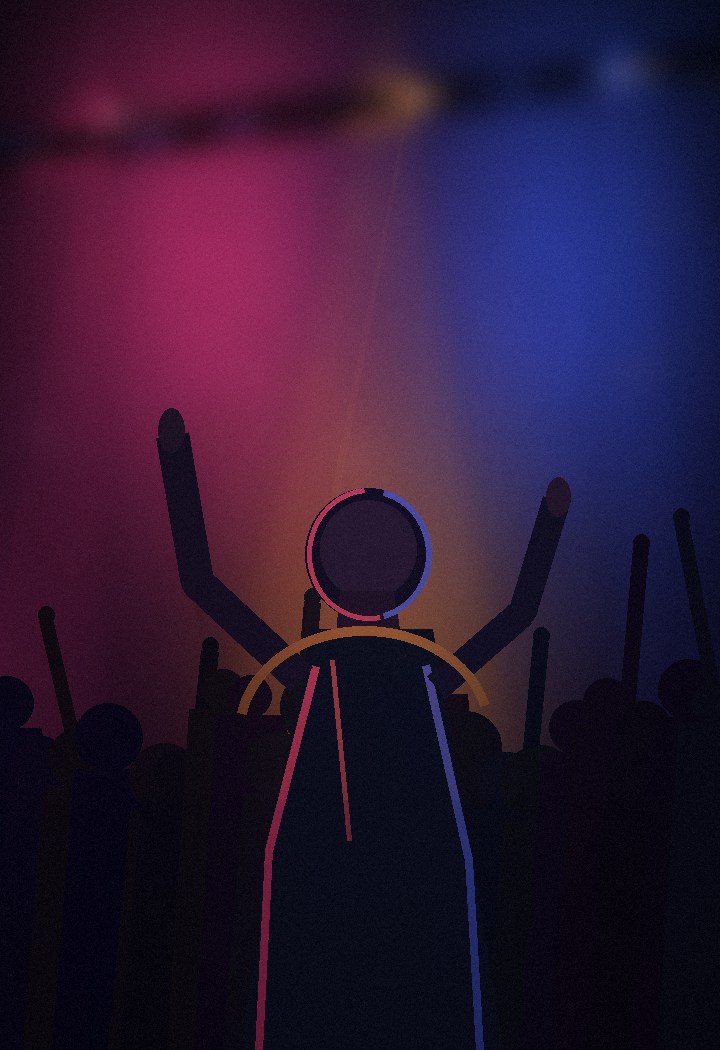
Pink-hour glow — “soft pink and violet practical lights, warm skin tones, a gentle haze around the chandeliers”.
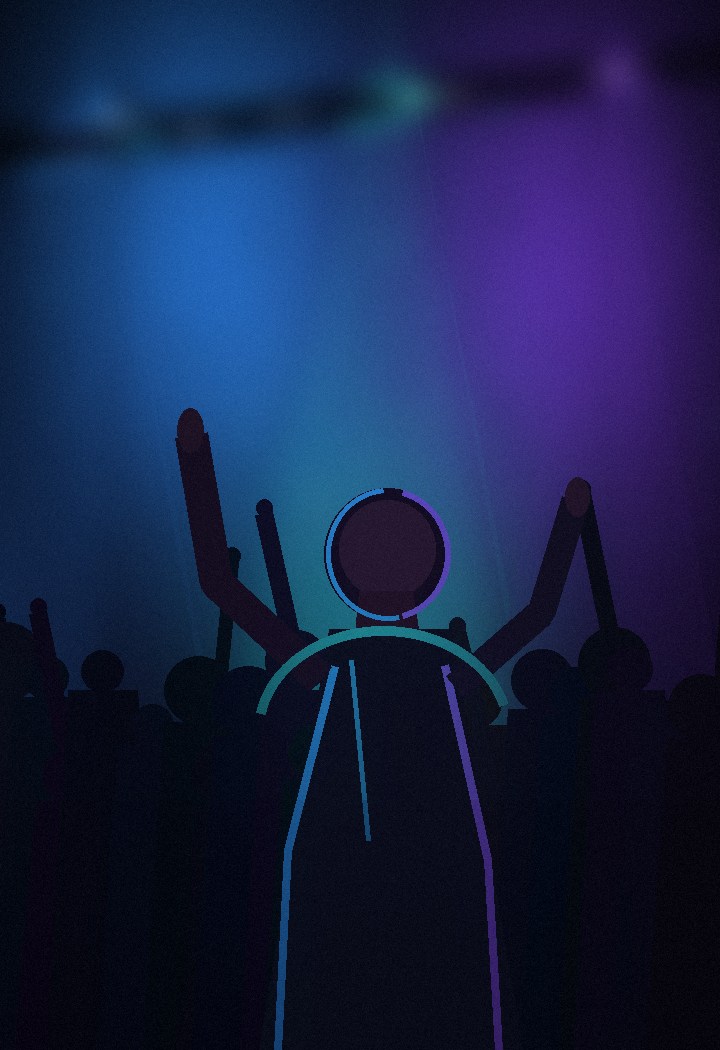
Electric blue — “cool blue and cyan accent light on the walls, crisp highlights on the cups, deeper shadows behind the crowd”.
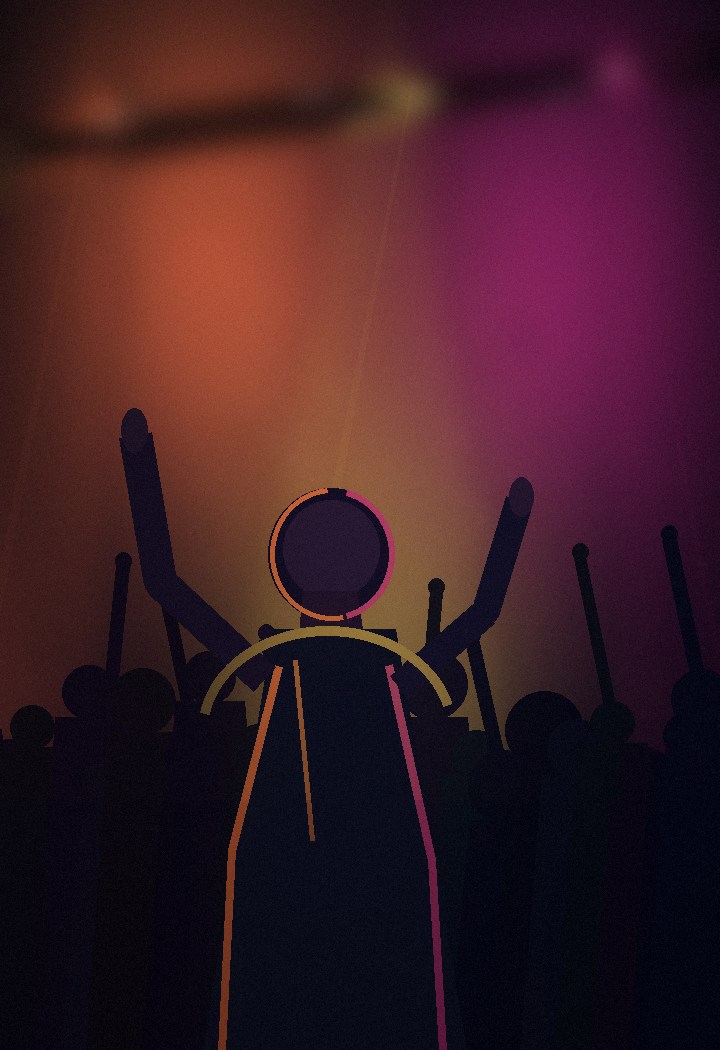
Golden hour — “warm amber and gold light from crystal chandeliers, polished dark wood, the closest match to the original video”.
Golden hour stays closest to the source. Pink-hour glow is softer and flatters skin tones in close-ups. Electric blue gives a colder, more cinematic feel that works well for character and pet versions.
FAQ
What photo works best for a Burning Bridges AI video?
A clear, well-lit photo where the face and upper body are visible, taken from the front or at a three-quarter angle. Avoid sunglasses, heavy filters, hands covering the face and group shots. Busy backgrounds matter less, because a good generator replaces the background with the party room anyway.
How long should the clip be?
Aim for about 10 seconds. That is long enough for three beats — a gesture at the camera, a turn toward a friend and a closing wave — and it is the longest single clip several popular generators make in one pass. If you want a longer edit, generate two clips and join them in an editor rather than asking one generation to do everything.
Can I use someone else's photo?
Only with their permission, and only for adults. Putting a real person into a video they never agreed to can hurt them and may break the rules of the tool and the platform you post on. Your own photo, a friend who said yes, a pet or an original character are all safe choices.
Does the AI add Drake's song?
Usually not. Most image-to-video generators produce silent clips or generic audio. Add the sound in the TikTok, Instagram or YouTube editor so the platform handles music licensing, and line up the camera gesture with the beat you want.
Why does my face look different in the video?
Generators treat your photo as a reference, not a mask, so expressions and fine facial details drift. Try a sharper, front-facing photo, describe your hairstyle and clothing in the prompt, and regenerate a few times. Expect a resemblance, not a perfect copy.
Should I use a burning bridges generator template or build the scene myself?
A template is the fastest route if you only want the trend as it is. Writing your own prompt in a general AI video generator takes longer but lets you change the room, the color look, the outfit and the gestures. Start with a template; switch when you want something nobody else has posted.